Read later and collections.
Save a link to read later with a gentle daily nudge, and group related memories, lists and links in a collection without moving the originals.
Features
A memory app for the everyday things and the detailed ones. Save it quickly, find it in your own words and get reminded before it matters, on the web, on your Mac and soon on your phone.
Recall
Search in your own words. Recall brings together relevant saved memories and files, with sources and an explanation of the match. On Pro and above, saved AI answers are included too.
Choose a result type or use OCR text only to narrow your search. Text extracted from images can contain mistakes, so the original preview is there to check.
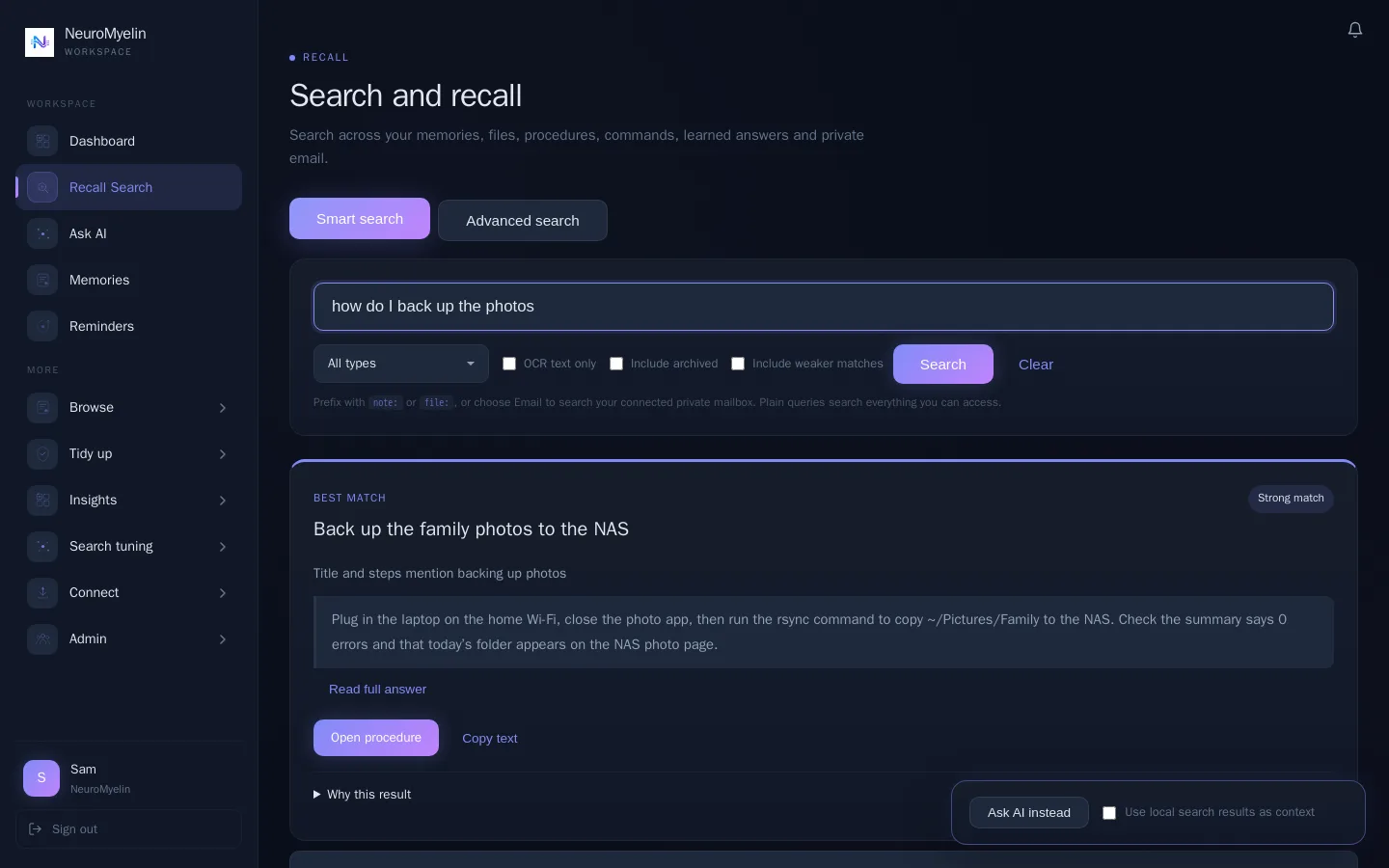
Web app with fictional example data.
Everyday life
Reminders, searchable photos, lists and saved links work in the web app and the macOS app today.

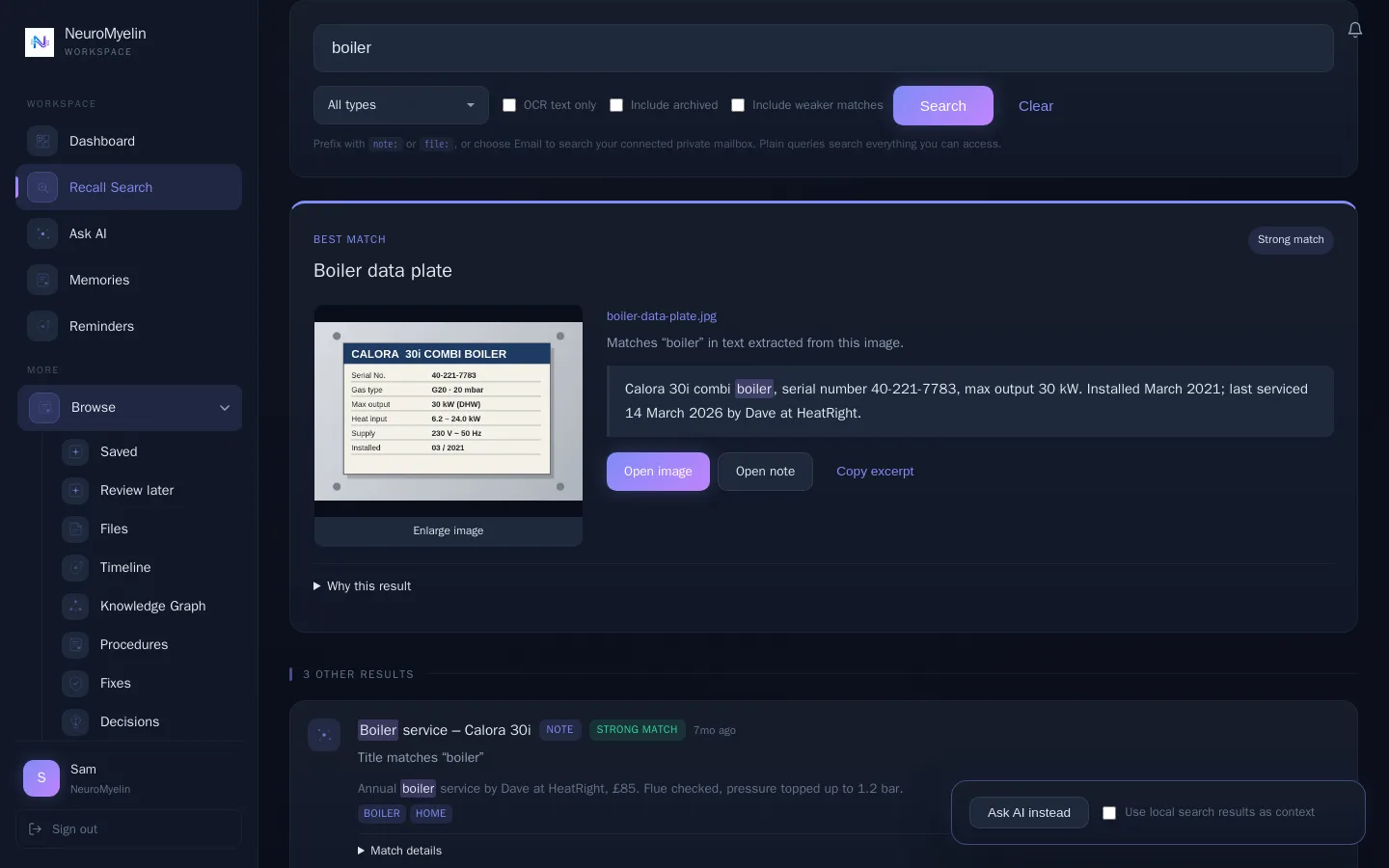
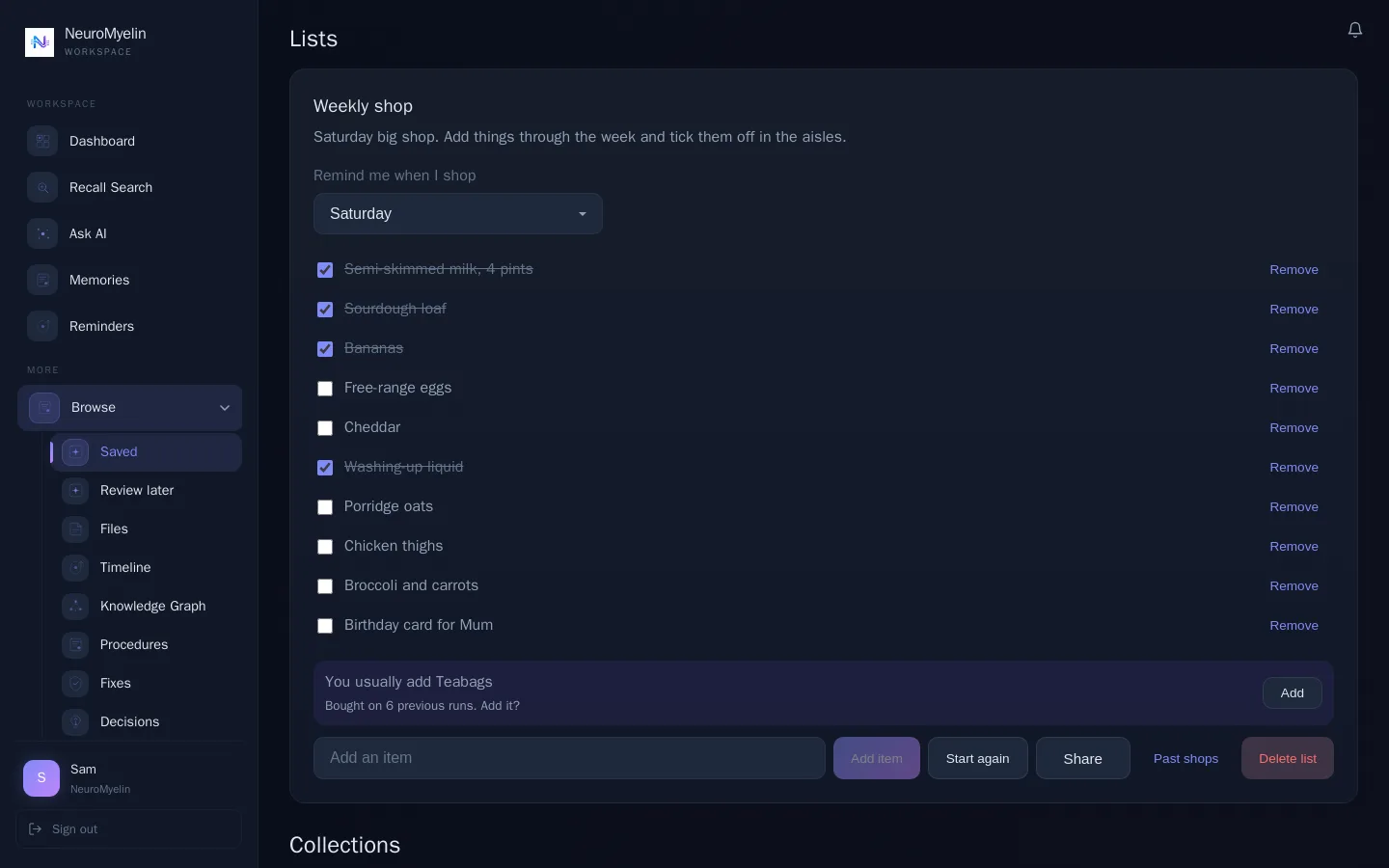
Save a link to read later with a gentle daily nudge, and group related memories, lists and links in a collection without moving the originals.
One summary a day at 8am with what’s coming up, so nothing important slips past.
On your Mac
The macOS app keeps your memories close while you work, including when you’re offline, with a PIN lock for when you step away.
Install Quick Actions to save from supported right-click menus. For Apple Silicon Macs; Windows and Linux have waiting lists.
Download for macOS ↗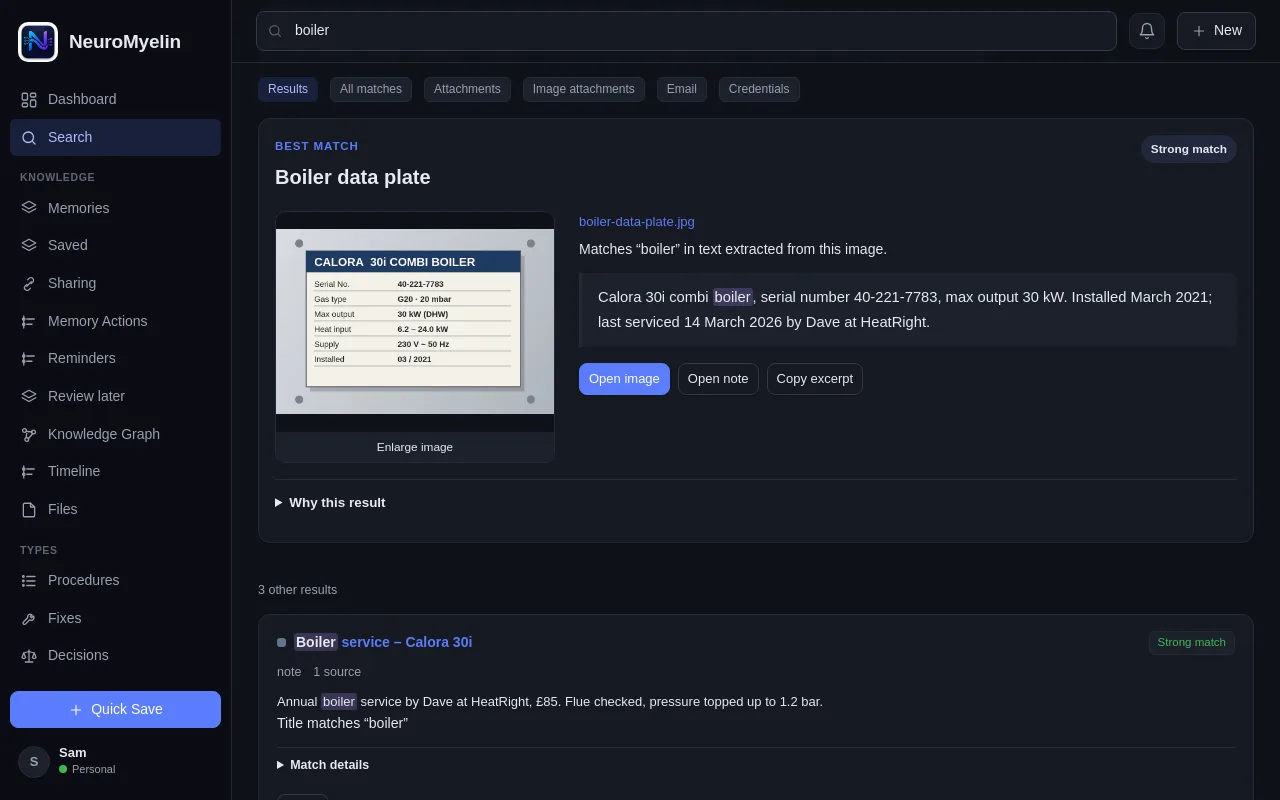
macOS app with fictional example data.
On your phone
The phone app adds quick capture by voice, phone alerts and the things you need when you’re out. Where you parked stays on your phone and is never sent to NeuroMyelin.
iPhone & Android · Coming soon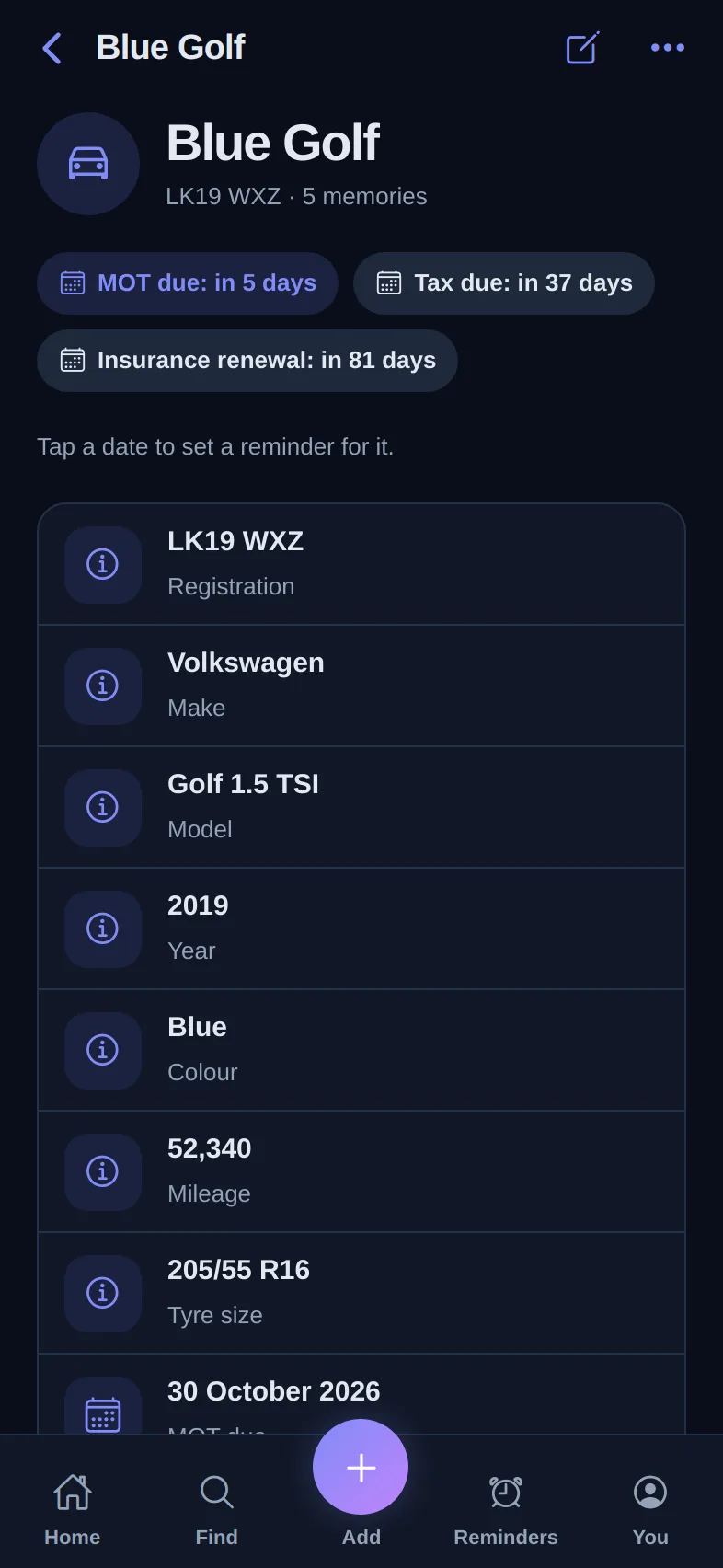
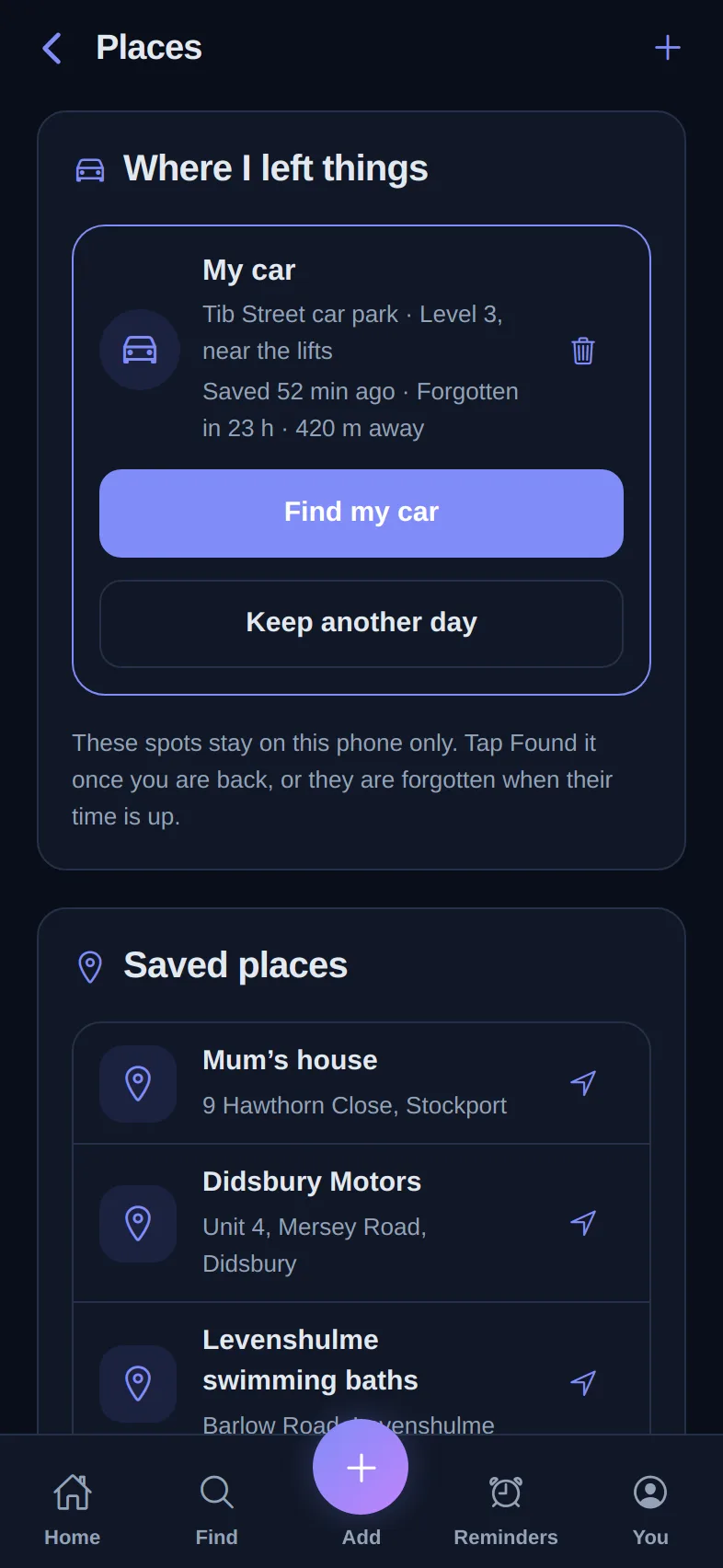
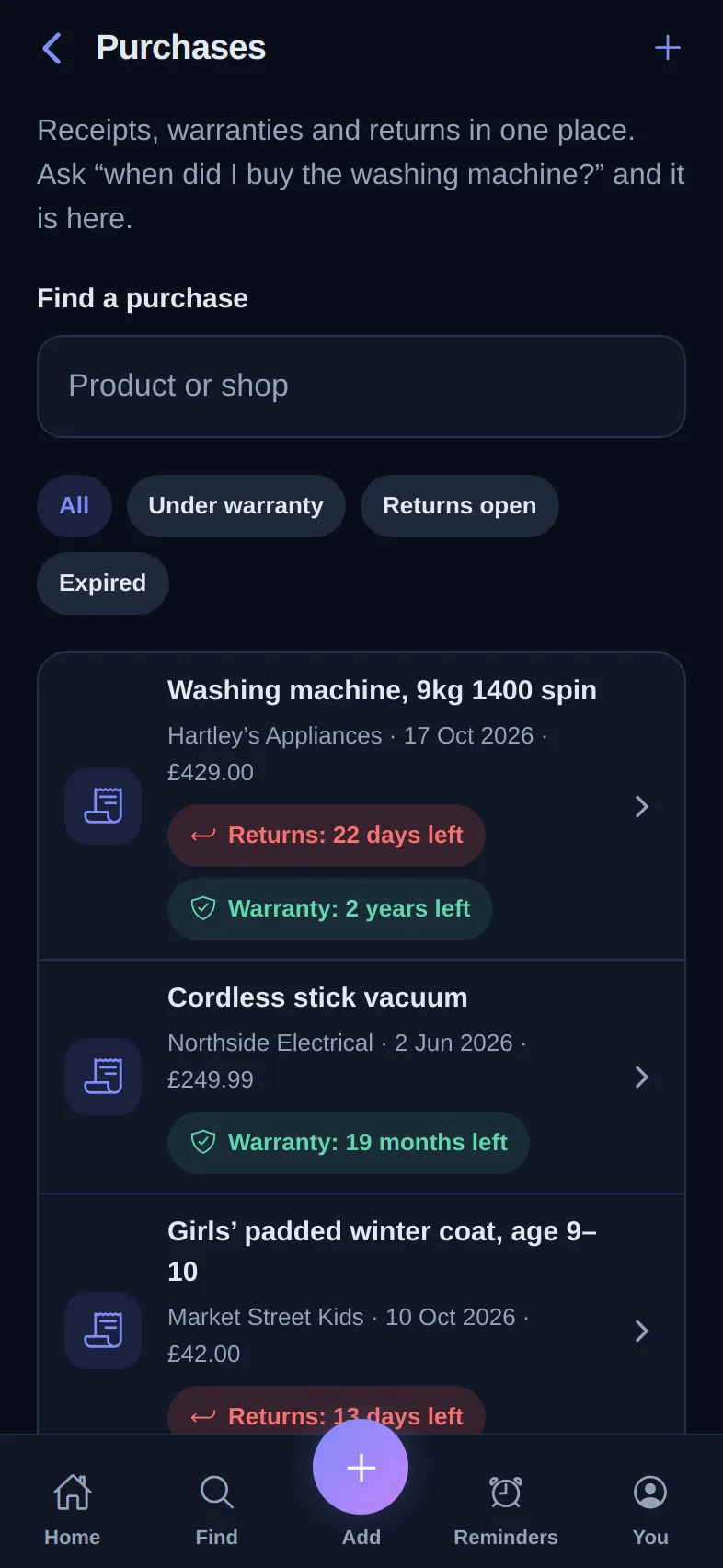
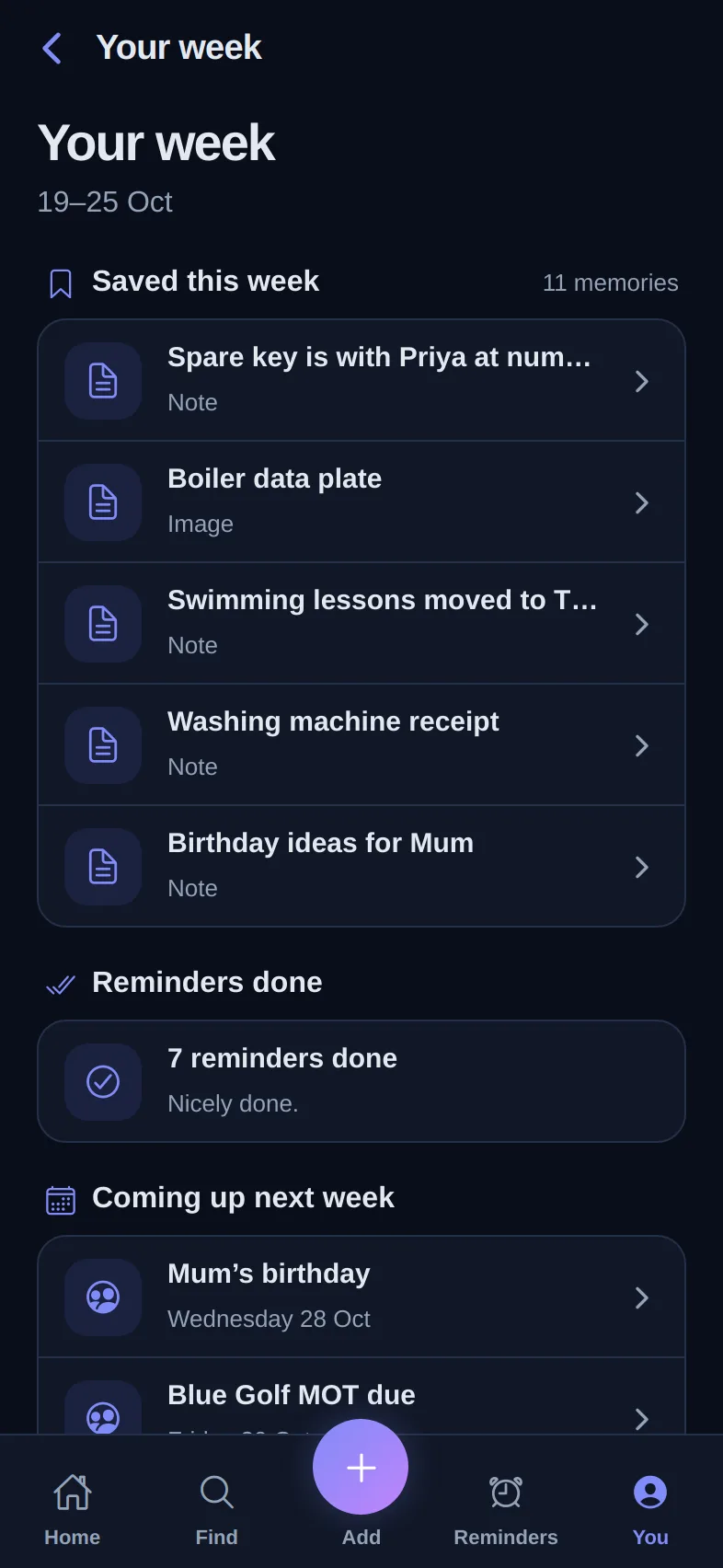
Say or type one line. Questions are answered from your saved memories with a link to the source; anything else is saved straight away. Siri phrases and app-icon shortcuts open it in one step.
Send photos, screenshots, PDFs and links from other apps, or scan paper documents with the phone’s scanner and add the text to a memory.
Screenshots of the phone app with fictional example data.
Capture
The command that worked. The screenshot that explains it. The reason you chose that approach.
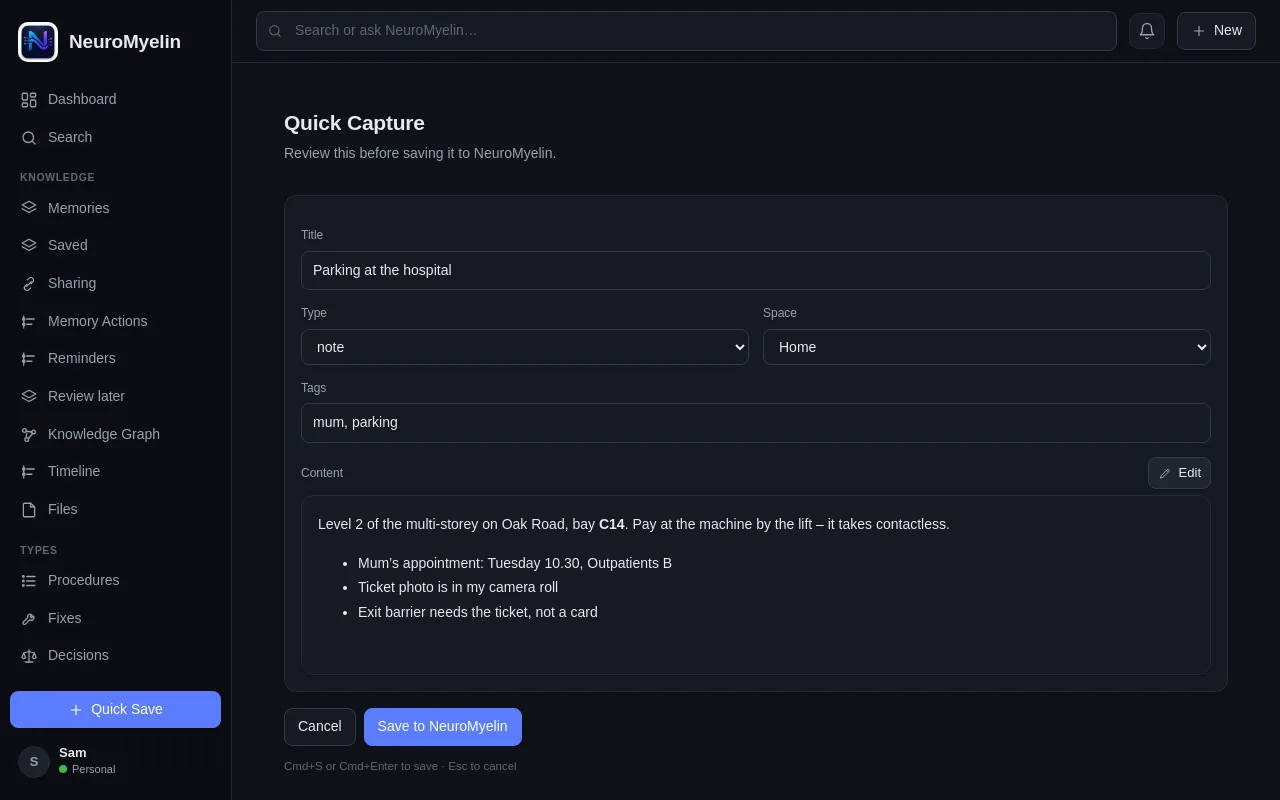
Create a memory in Markdown and switch to a preview, or write with the preview beside you. Add images, annotations, files and tags to keep the context close.
The checks that fixed the connection, with a note about what changed.
Quick capture example, ready for review.
Strong previous-work matches can appear while you capture or search. Open the saved item before you start from scratch. Free includes 3 a month; Pro and above are unlimited.
Both mention cloudflare, rate, limiting.
PROCEDUREImport from Obsidian, Trilium, Joplin or CherryTree, as well as Markdown, HTML and text exports. Imports are one-time, not an ongoing sync.
See supported formats ↗Lock a memory behind its own password. Its title stays visible; the content and attachments need the password and stay out of search, AI and exports.
Memory Graph
Explore the connections between a procedure, its source files and related decisions. Filter the graph, select a memory and follow it back to the original.
Review suggested relationships before keeping them. A connection is a useful lead, not proof that two notes say the same thing.
Select a memory in this example graph.
Review and revisit
Keep an eye on information that needs checking and bring useful topics back into view.
Find memories that need verification, lack organising context or are waiting for review. Stale Review says why each one was picked, and Orphan Review suggests tags you already use.
Illustrative score and review counts.
Set a watch on a topic you want to revisit. Review it on its cadence, snooze it for later or remove it when it is no longer useful. Included with Pro and above.
Revisit every 30 days
Start with your own free workspace.